

TikTok Beta Program: How to Join, Benefits, and Everything You Need to Know
Introduction to the TikTok Beta Program
The TikTok Beta Program is a special testing initiative that allows users to try upcoming features before they are officially released to the public. By joining the beta program, users get early access to experimental tools while helping TikTok improve performance, usability, and stability through real user feedback.
If you enjoy discovering new features early and don’t mind the occasional bug, the TikTok Beta Program could be a perfect fit.
What Is the TikTok Beta Program?
The TikTok Beta Program gives selected users access to pre-release versions of the app. These beta versions may include:
- New creator tools
- Updated algorithms
- Interface redesigns
- Experimental effects and filters
Beta testers play a key role by reporting bugs, sharing usability feedback, and helping TikTok fine-tune features before global rollout.
Benefits of Joining the TikTok Beta Program
Joining the TikTok Beta Program comes with several advantages:
- Early access to new features and updates
- Influence platform development through feedback
- Stay ahead of trends before features go public
- Experience upcoming creator tools before competitors
Your feedback can directly impact how TikTok evolves.
Understanding Beta Programs
What Is a Beta Program?
A beta program is a testing phase where users access a pre-release version of an application. These versions are not final and may contain bugs or unfinished features.
How Beta Programs Work in Social Media Apps
For social media platforms like TikTok, beta programs are used to test:
- New recommendation algorithms
- UI and design changes
- Content creation tools
- Performance optimizations
User feedback helps ensure smoother updates for the wider audience.
How to Join the TikTok Beta Program
Requirements for Joining
Device Compatibility
- Android or iOS device required
- Older devices may not support beta builds
TikTok App Version
- You must have the latest official TikTok app installed before enrolling
Joining the TikTok Beta Program on Android
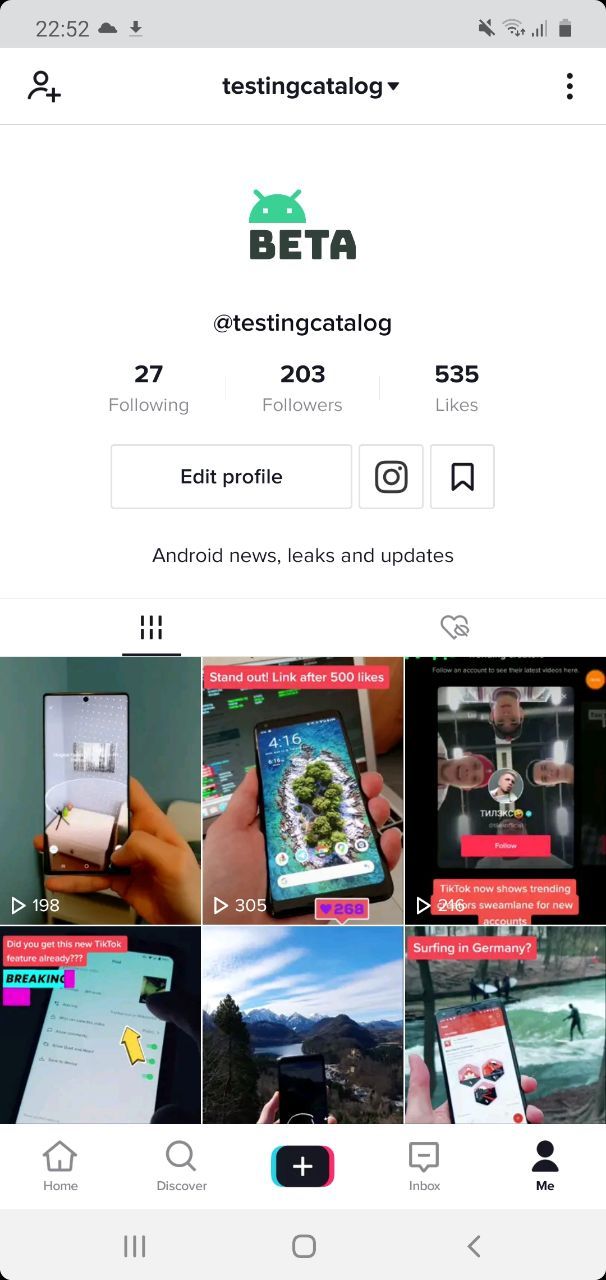
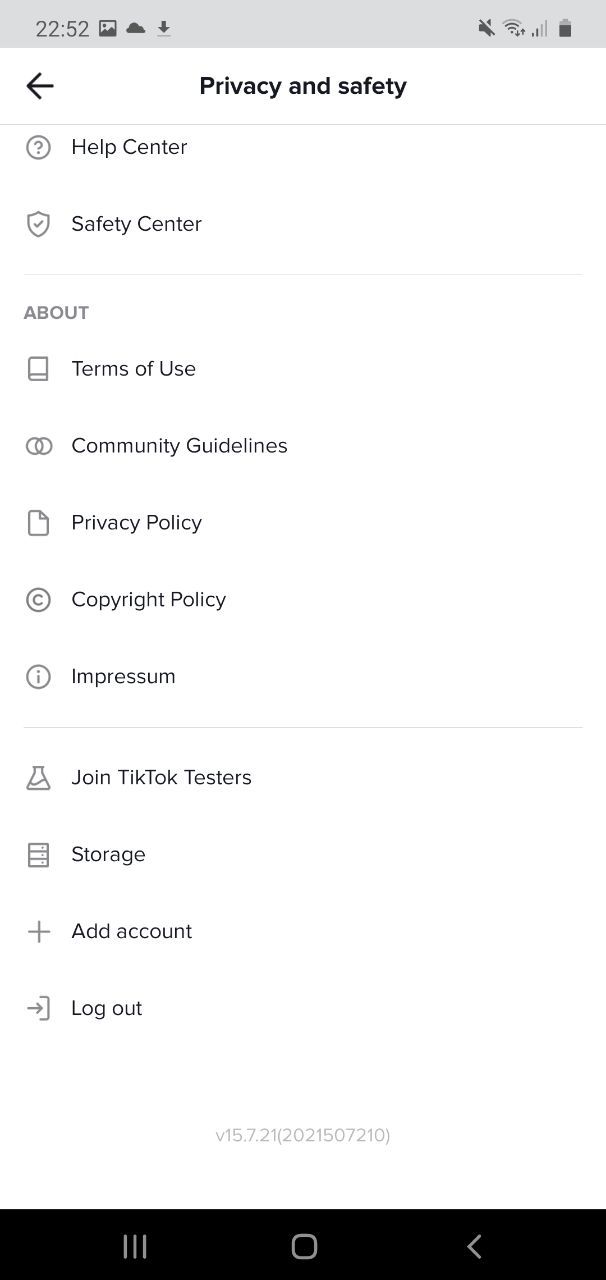
Steps:
- Open the Google Play Store
- Search for TikTok and open the app page
- Scroll to the “Join the beta” section
- Tap Join and confirm
- Update TikTok once the beta version becomes available
Joining the TikTok Beta Program on iOS

Steps:
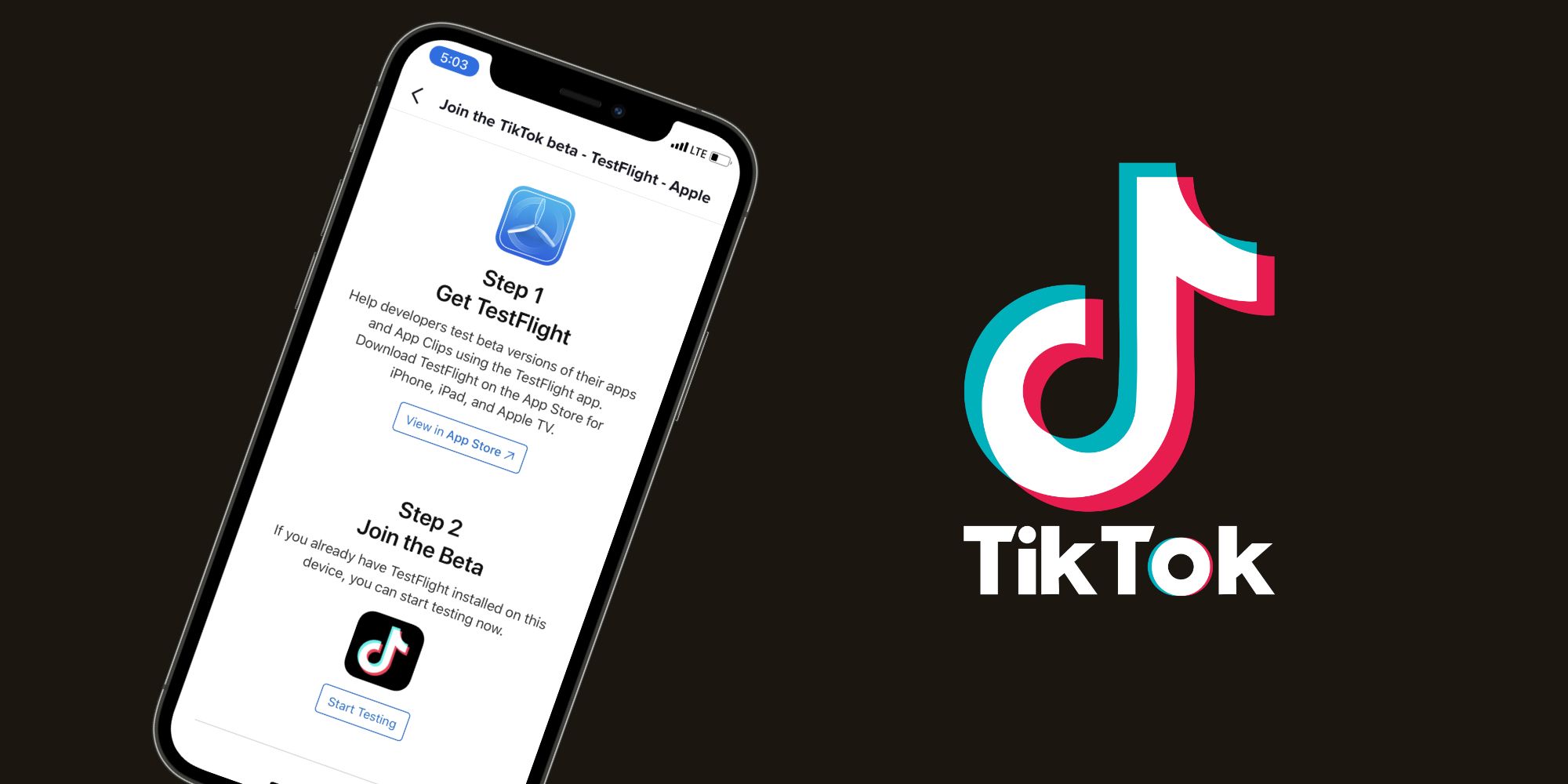
- Download the TestFlight app from the App Store
- Access a TikTok beta invitation link (when available)
- Accept the invite via TestFlight
- Install the beta version of TikTok
Note: iOS beta slots are limited and may fill quickly.
What You Can Do as a TikTok Beta Tester
Early Access to New Features
Beta testers experience upcoming effects, tools, and layout changes weeks—or even months—before public release.
Providing Feedback to TikTok
You can submit feedback directly through the app or TestFlight, helping developers identify bugs and improve usability.
Tips for Being a Successful Beta Tester
How to Report Bugs Effectively
- Describe the issue clearly
- Include screenshots or screen recordings
- Mention your device model and OS version
Share Usability Feedback
If something feels confusing or inconvenient, suggest improvements. Constructive feedback is highly valuable.
Engage With Other Beta Testers
Community forums and discussion groups can help you compare experiences and identify widespread issues.
Common Challenges in the TikTok Beta Program
Bugs and Performance Issues
Beta versions are experimental, so crashes, glitches, or lag may occur.
Privacy Considerations
Beta testing may involve additional data collection. Always review TikTok’s beta terms and privacy policy before joining.
How to Leave the TikTok Beta Program
Unenrolling on Android
- Open TikTok’s page in the Google Play Store
- Scroll to the beta section
- Tap Leave
- Uninstall and reinstall TikTok to return to the public version
Unenrolling on iOS
- Open TestFlight
- Select TikTok
- Tap Stop Testing
- Reinstall the standard app from the App Store
Is the TikTok Beta Program Right for You?
Who Should Join?
- Tech-savvy users
- Content creators who want early feature access
- Users comfortable with testing unfinished features
Pros and Cons
Pros
- Early access
- Influence platform updates
- Stay ahead of trends
Cons
- App instability
- Occasional bugs
- Possible privacy trade-offs
Conclusion
The TikTok Beta Program offers a unique opportunity to explore new features before anyone else and actively shape the future of the platform. While beta versions may come with bugs and occasional performance issues, the early access and ability to provide meaningful feedback make it an exciting experience for curious and tech-savvy users.
If you enjoy testing new technology and don’t mind a few glitches, joining the TikTok Beta Program is absolutely worth considering.
FAQs
What if I face issues in the beta version?
You can report bugs directly through the app or TestFlight with screenshots and detailed explanations.
Will the beta version slow down TikTok?
It can. Beta builds are experimental and may not be fully optimized.
Can I switch back to the regular TikTok app?
Yes, you can leave the beta program at any time.
Is the TikTok Beta Program safe?
Generally yes, but always review beta terms and privacy policies.
How often are beta updates released?
Updates vary and may roll out weekly or bi-weekly depending on testing needs.